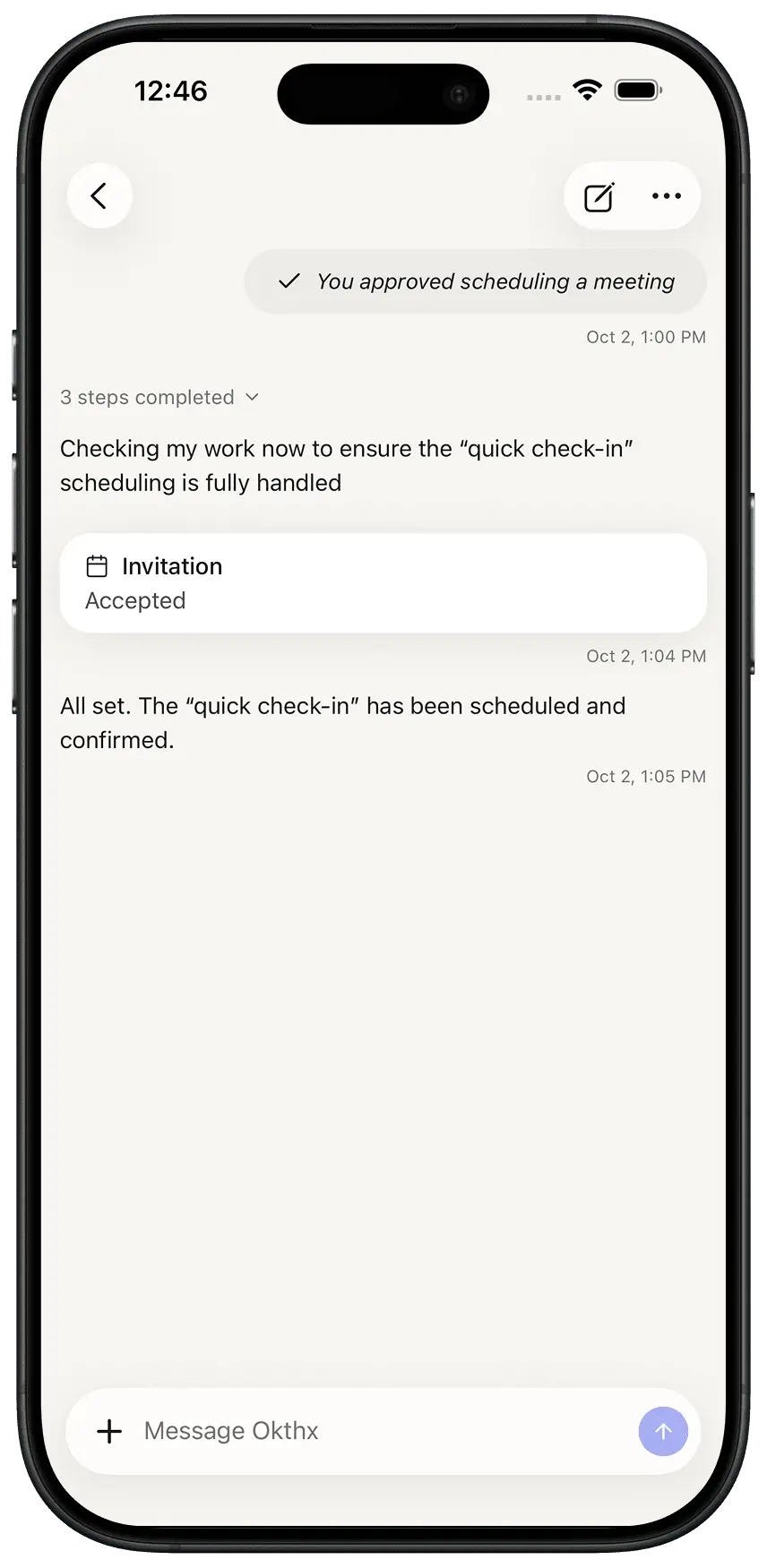
How to Set Reminders
Need a nudge for something coming up? Just ask okthx in chat — for example, “remind me about soccer practice tomorrow at 4:30 PM” — and it’ll take care of the rest. You can also head to Settings > Notification Preferences to choose how you’d like reminders delivered, whether that’s push, email, or text.
Steps:
-
Open the Chat
-
Tell what event, and what time
-
Done!