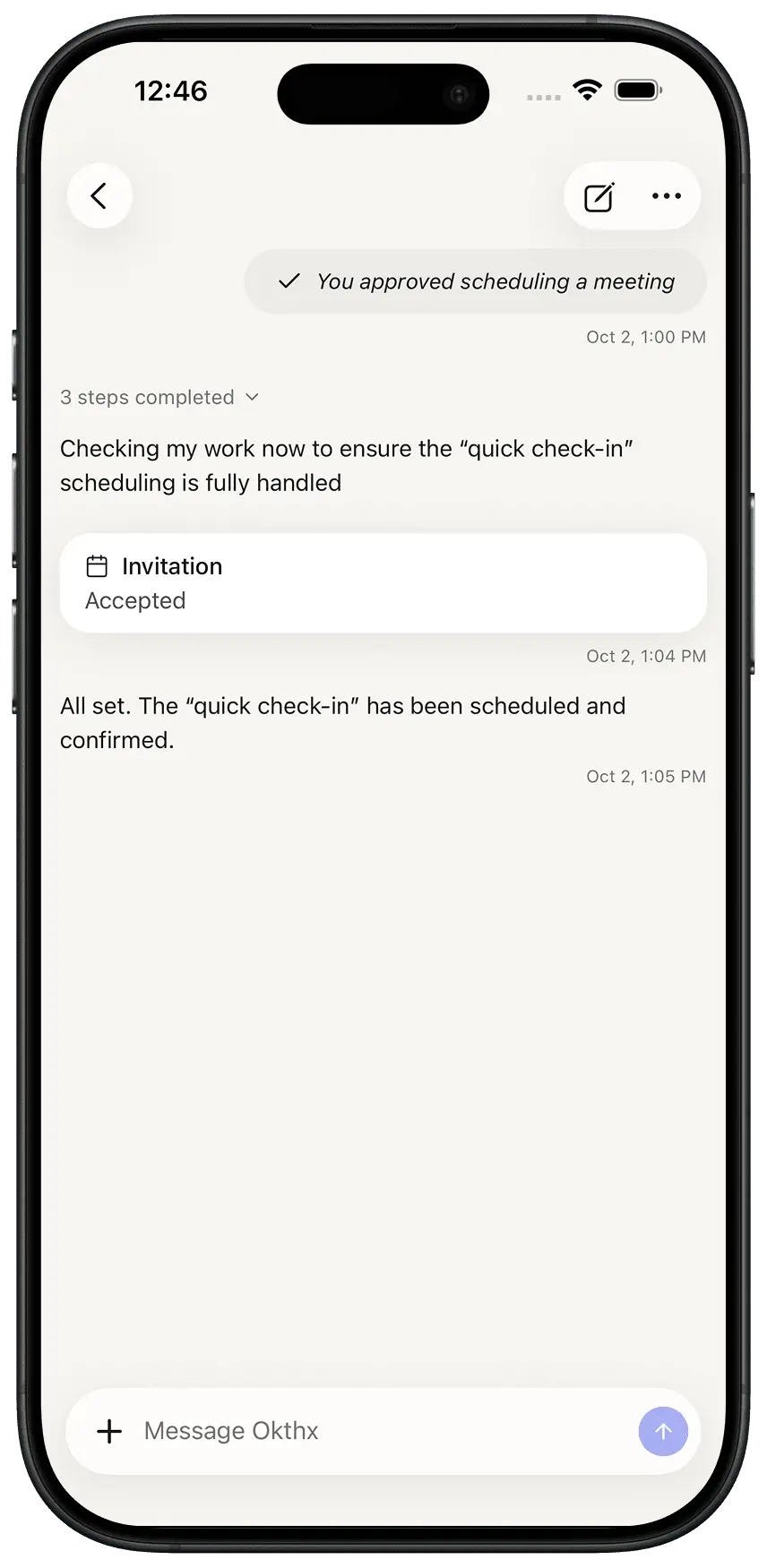
How to Change Meeting Times
Learn how to quickly create a reminder directly from the okthx chat — for example, setting a reminder for soccer practice at 4:30 PM tomorrow. This guide also walks through accessing Settings > Notification Preferences to configure how you receive calendar reminders, including push, email, and SMS options.
Steps:
-
Open the Chat
-
Tell which event needs changing
-
Tell what time to change
-
Approve